Summary: An automated email marketing automated email marketing tool allows you to send personalised messages to each contact at the exact right moment, without manual intervention. Choosing wisely among the options available in 2026 depends on your contact volume, sales funnel, and integration with the rest of your tech stack.
What is an Automated Email Marketing Tool and Why It Matters Now
An automated email marketing tool is software that sends emails to contact lists following predefined rules: a user action (opening an email, clicking, abandoning a cart, filling out a form) automatically triggers a specific message at a specific time. Unlike traditional mass sending, automation works with workflows that can be chained together for days, weeks, or months without the marketing team having to manually intervene in each send. According to Litmus data published in their State of Email 2025 report, 82% of marketing professionals consider email automation essential for scaling their communications without increasing their team. In the context of 2026, with inboxes more saturated than ever and stricter filtering algorithms, message relevance — which is what automation guarantees — has become the differentiating factor between a campaign that converts and one that ends up in the spam folder.
The reason this type of tool matters now more than in previous years has to do with modern buyer behaviour.
Decision cycles are longer, contact channels have multiplied, and users expect the communications they receive to be relevant to their specific situation.
Sending the same email to the entire database in 2026 is a waste of resources and a negative signal for mailbox providers (Gmail, Outlook, Yahoo) who analyse engagement to decide whether to deliver the message to the primary inbox or not.
Boomatik is a Spanish platform for marketing automation platform that centralises contact management, email sends, SMS, and other channels in a single environment. This eliminates the friction of working with disconnected tools and makes it easier for automated flows to combine channels based on actual contact behaviour.
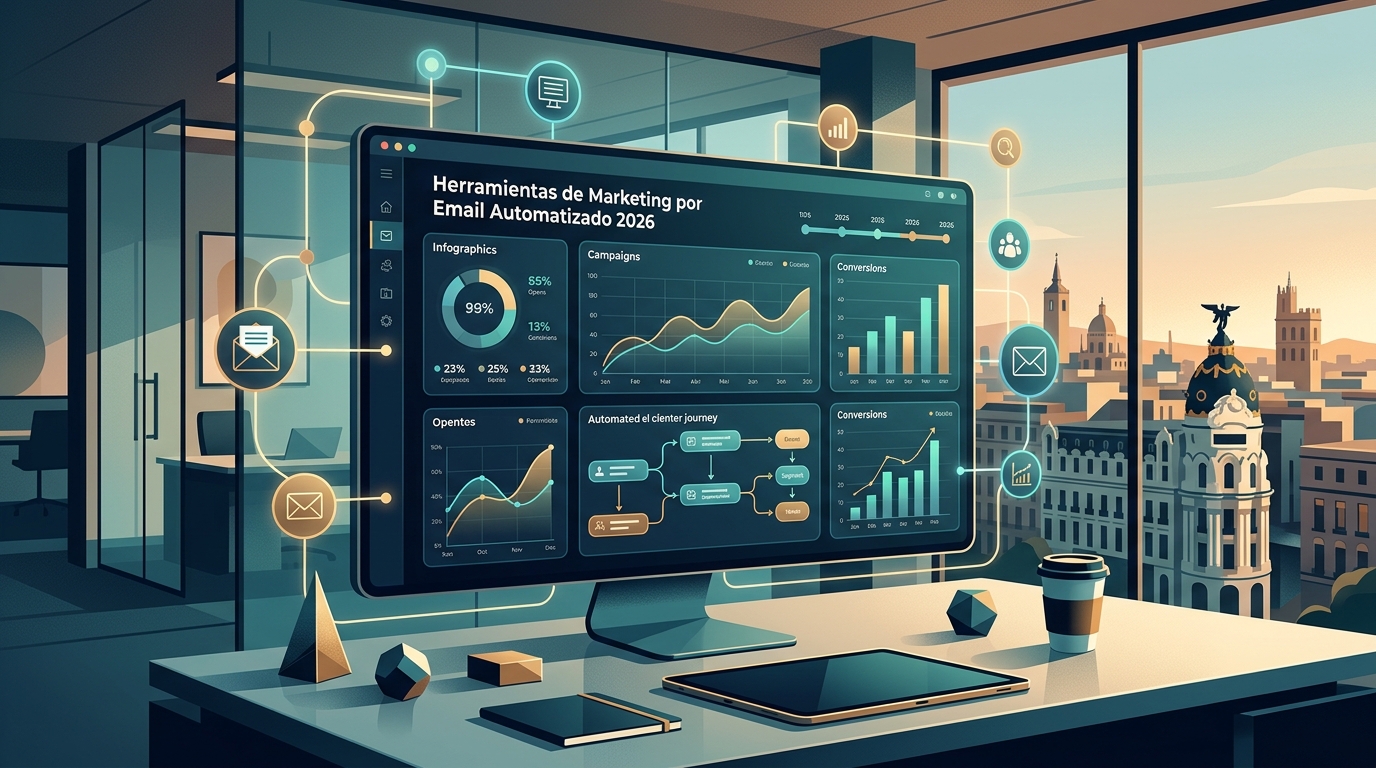
Automation, when well-configured, isn't a shortcut to bombard your contacts. It's a system for being present at the moment the contact needs information, without the marketing team having to constantly watch the clock.
What Key Features Should Any Email Automation Platform Have?
Email automation features aren't all the same across providers. Before subscribing to any platform, it's worth understanding which features are non-negotiable and which are accessory. In practice, tools with the highest sustained adoption rates in B2B and B2C marketing teams share a set of capabilities that recur regardless of company size. The criterion isn't to have the most features, but for the available features to integrate coherently so that an automated flow can be built, tested, and optimised without requiring advanced technical knowledge.
Visual Workflow Builder
The automation editor should allow drag-and-drop blocks representing conditions, actions, and waits. A good visual builder enables the marketing team to design complex flows without relying on the technical department.
Conditional logic (if the contact opens email A, send email B; if they don't open it within 48 hours, send email C) is the basic component of any lead nurturing sequence.
A well-designed editor also shows in real-time how many contacts are in each node of the flow, allowing for the detection of bottlenecks or drops in engagement before they affect overall campaign results.
List and Tag Management
Contact list management and the tagging system determine the granularity with which you can segment your sends. A mature platform allows for automatic tag application based on contact behaviour (has purchased, has visited a page, has responded to a form) and using those tags as entry or exit conditions for any flow.
Without good list management, automation loses its purpose: it will send irrelevant messages because it can't distinguish who's who within the database.
Dynamic Content Personalisation
Personalisation in email marketing goes far beyond inserting the contact's name in the greeting. Current platforms allow for displaying different content blocks based on contact attributes (sector, purchase history, city, stage of the sales funnelsales funnel). This is achieved through merge fields and conditional blocks that the email editor evaluates at the time of sending.
Automated A/B Testing
A serious tool includes A/B testing integrated into workflows, not just for one-off sends. This means you can test two different subject lines, two sending times, or two calls to action within the same automated flow, and the platform automatically determines the winner and uses it for the rest of the contacts entering that flow.
CRM and E-commerce Integrations
Email automation isolated from the rest of the tech stack has a very limited scope.
Native integration with CRM (customer relationship management) and e-commerce platforms allows purchase behaviour data to directly feed email workflows, creating personalisation cycles that would be impossible to replicate manually.
How to Structure an Automated Campaign from Scratch
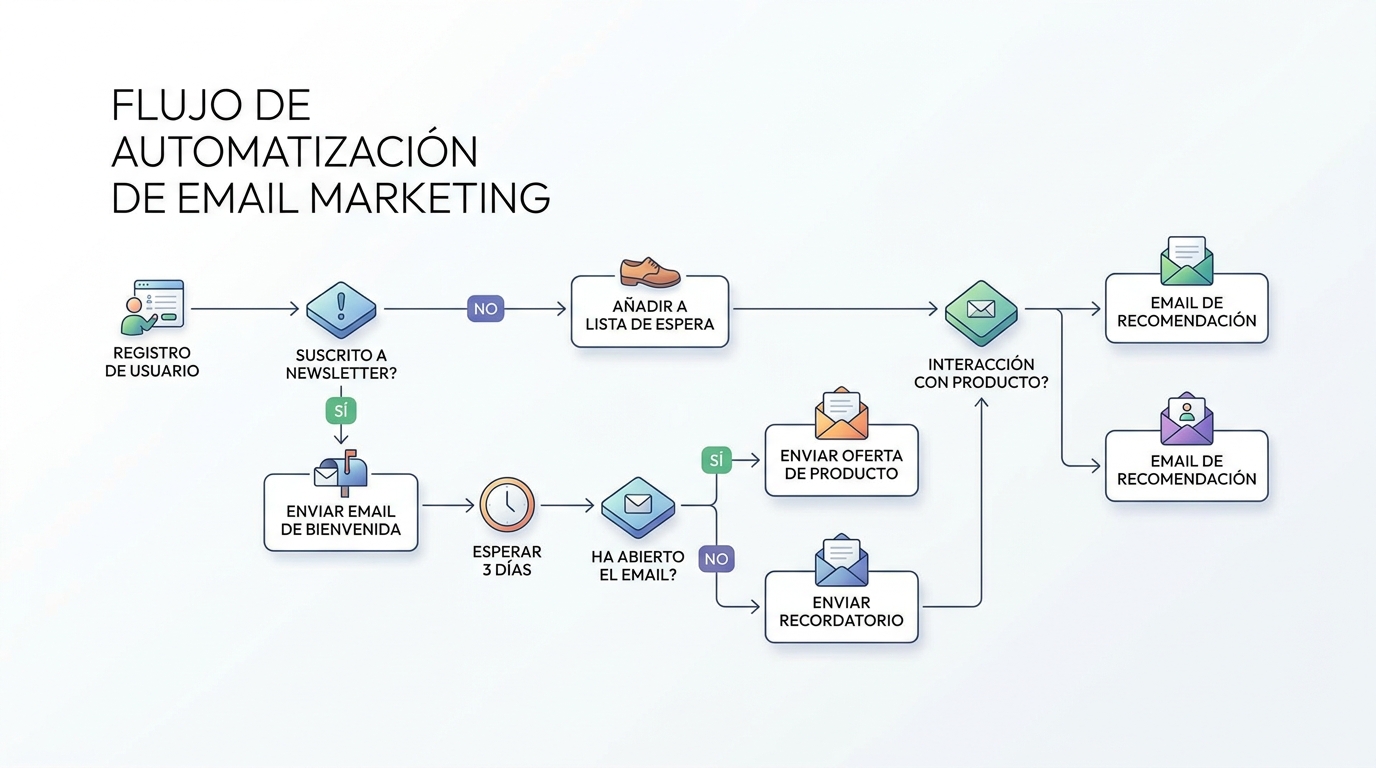
Structuring an automated email marketing campaign from scratch requires first defining the business objective and then building the flow that supports it. There isn't a universal flow valid for all businesses, but there is a design process that applies in all cases: defining the trigger, mapping the flow steps, setting wait times between messages, and establishing the flow's exit condition. Without these four clear elements, any automation becomes a sequence of emails without internal logic that doesn't improve over time.
Step 1: Define the Trigger
The trigger is the event that activates the flow. The most common triggers are: subscription subscription to a list, resource download, cart abandonment, first purchase, or inactivity for a certain period. The choice of trigger defines the contact's intent at that moment, which is the most valuable data for personalising subsequent messages.
Step 2: Design the Message Sequence
Each message in the flow should answer a specific question the contact might have at that stage.
In a welcome sequence for new subscribers, the first email presents the value proposition; the second, two or three days later, offers useful content without commercial intent; the third introduces a case study or social proof; the fourth might include an offer or direct call to action.
This progression follows the logic of building trust before asking for a purchase action.
Step 3: Set Wait Times
Wait times between messages depend on the product or service's sales cycle. B2B software with a three-month sales cycle needs a different cadence than an online fashion store whose decision process might last 48 hours.
There's no fixed rule, but a practical recommendation: start with conservative timings and adjust based on engagement data from the first few weeks.
Step 4: Establish Exit Conditions and Branches
A well-constructed flow isn't linear. It includes branches that lead the contact down different paths based on their behaviour. If the contact clicks the link in email 2, they go directly to email 4, skipping email 3.
If they don't open any of the first three emails, the flow can redirect them to a re-engagement sequence or tag them as inactive for list cleaning.
Why Contact Segmentation is the Core of Effective Automation
Contact segmentation is the ability to divide your database into groups with common characteristics or behaviours to send them different messages. Without segmentation, automation only achieves sending more emails, not better emails. In the context of modern email marketing tools, segmentation has evolved from basic demographic criteria (age, location, sector) to models based on real-time behaviour: pages visited, products viewed, open frequency, accumulated purchase value, or stage in the sales funnel. According to Mailchimp's 2024 Email Marketing Benchmarks Report, segmented campaigns generate a click-through rate up to 100% higher than unsegmented campaigns sent to the entire list. This figure reflects that the correct segment is more decisive than the subject line, design, or sending time.
The most useful segmentation criteria in practice fall into three categories. The first is segmentation by explicit data: information the contact has provided directly (job title, company, interests declared in the registration form).
The second is segmentation by behaviour: actions the contact has performed within emails or on the website (pages viewed, clicks, purchases).
The third is segmentation by engagement: the contact's activity level with communications, which allows for identifying the most active contacts (who deserve frequent communications) and inactive ones (who need a re-engagement strategy or list cleaning).
RFM Segmentation in Email Marketing
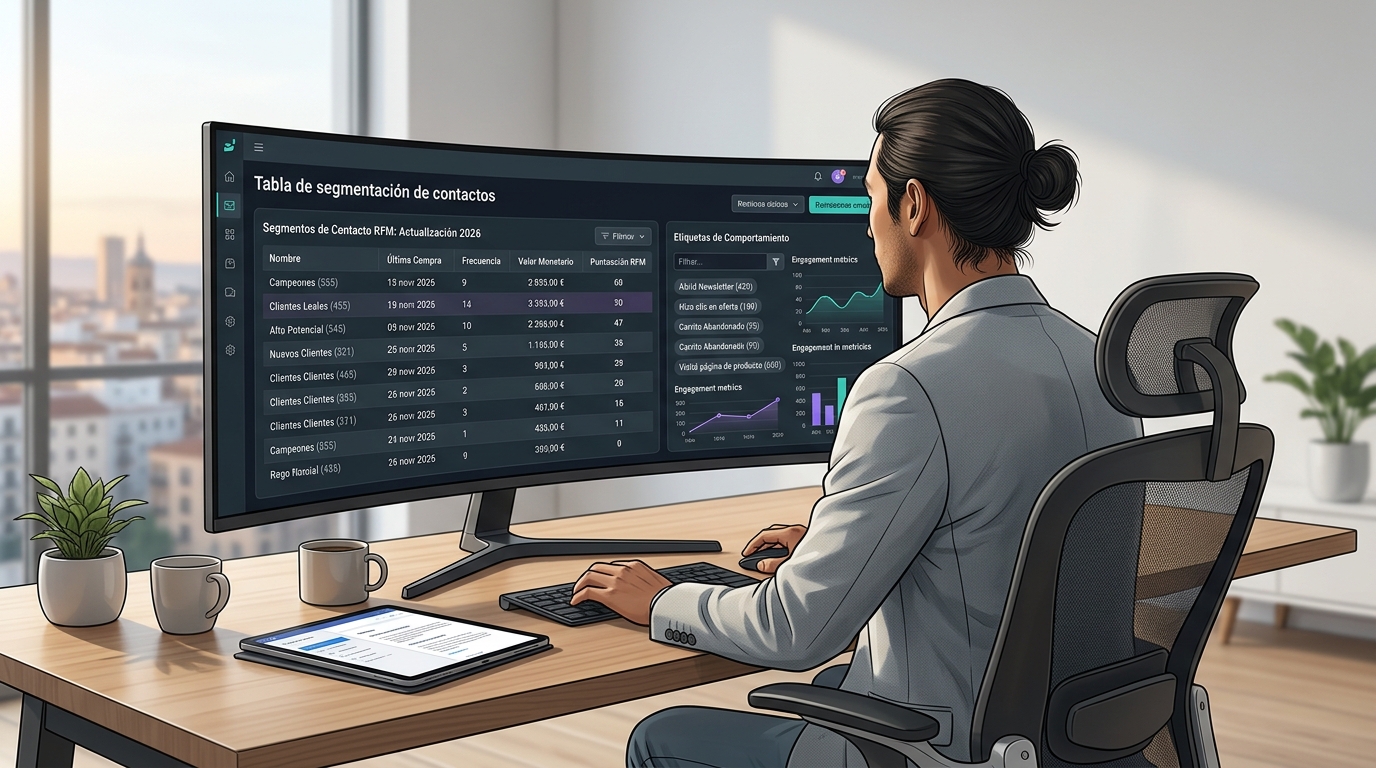
The RFM (Recency, Frequency, Monetary value) model is one of the most effective segmentation frameworks for businesses with purchase history. It classifies contacts based on when they last purchased, how frequently they buy, and how much they spend. This classification allows for creating very specific automations: high-value, high-frequency contacts receive early access to new products; high-recency but low-frequency contacts receive incentives for a second purchase; long-inactive contacts receive a re-engagement sequence with a special offer.
Periodic List Cleaning
Email list cleaning is part of segmentation, although it's not always treated as such. Keeping contacts in the database who haven't opened emails for six or twelve months harms the sender domain's reputation and artificially lowers engagement metrics. Mature automation tools include automatic re-engagement flows that attempt to win back those contacts before deleting them, preserving list hygiene without manual intervention.
What Metrics Should You Track in Your Automated Email Platform?
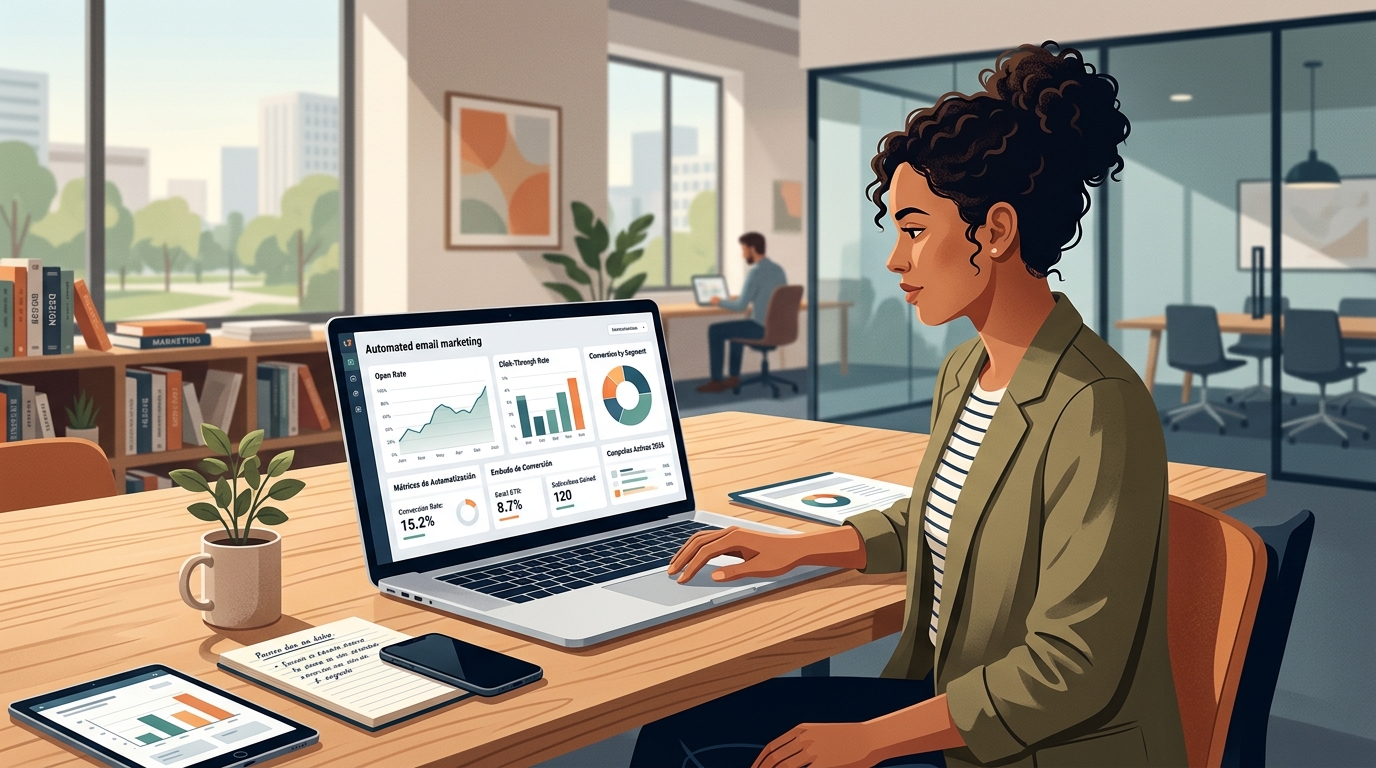
The email marketing metrics your platform offers determine whether you can optimise your flows or merely observe them. An automation tool that only shows global open and click rates doesn't provide enough information for improvement. You need data at the flow, individual message, and segment level to make decisions based on real insights. In 2026, with the widespread adoption of Apple Mail Privacy Protection (MPP) protocols, the open rate has lost reliability as a primary metric because it's artificially inflated by operating system image preloading. This necessitates prioritising real intent metrics such as clicks, conversions, and reply rates.
Click-Through Rate (CTR)
The CTR (click-through rate) measures the percentage of recipients who click on at least one link in the email. It's the most reliable metric for real engagement in the current context because it requires a deliberate user action that cannot be simulated by automatic preloading. A low CTR with a good open rate indicates that the email content isn't aligned with the expectation generated by the subject line.
Conversion Rate per Flow
The conversion rate of each automated flow measures how many contacts who entered that flow completed the defined objective (purchase, registration, demo request). It's the metric most directly linked to business results and the one that justifies the investment in the tool.
Unsubscribe Rate and Spam Complaints
An unsubscribe rate above 0.5% in a specific flow is a sign that the messages in that flow are not relevant to the contacts receiving them. Spam complaints above 0.08% (a threshold that Google and Yahoo tightened in 2024 as a requirement for high-volume senders) can lead to deliverability issues affecting all sends from the domain, not just those from the problematic flow.
Revenue per Email
Email marketing platforms connected to an e-commerce system can attribute direct revenue to each email sent. This data allows for calculating the return on investment of each flow and prioritising which automations to optimise first.
What Are the Common Mistakes When Implementing Automated Email Marketing?
Implementing an automated email marketing platform without a structured process is the main reason many companies abandon the tool after three or four months, convinced that "it doesn't work". In practice, the problem is almost never with the tool: it's in how it's been configured, the quality of the input data, or the absence of a periodic review process for active flows. These are the most recurrent errors we've detected in implementing email automation systems in B2B and B2C environments.
Building Flows Before Organising Data
The most common mistake is starting to design automation flows when the database is disorganised: duplicate contacts, empty fields, unsegmented lists, and bounced emails mixed with active contacts. Automation amplifies what's in the database.
If the data is poor, the flows will send messages to the wrong segment, with the wrong name, or at the incorrect time.
Before configuring the first flow, the database must be clean, with key fields completed and with minimum operational segmentation.
Automating Too Many Sequences Too Soon
Another common mistake is trying to automate the entire customer journey from the first month. The result is a system of overlapping flows that can send multiple emails on the same day to the same contact from different sequences, leading to spam complaints and mass unsubscribes.
The practical recommendation is to start with one or two priority flows (e.g., welcome and abandoned cart), measure them for four to six weeks, and optimise them before adding new sequences.
Ignoring Global Contact Frequency
The most basic automation tools lack global frequency control, allowing a contact to receive emails from multiple flows simultaneously without any limits.
Advanced platforms allow you to set a maximum number of emails per contact within a given period, regardless of how many flows are active. This feature is crucial for protecting the subscriber experience and the sender domain's reputation.
Failing to review active flows regularly
A flow set up six months ago might be sending messages with an expired offer, an incorrect price, or a broken link.
Automation isn't a set-and-forget solution; it requires regular reviews (at least quarterly) to ensure content remains relevant and links function correctly.
How to choose the right email automation tool for your business?
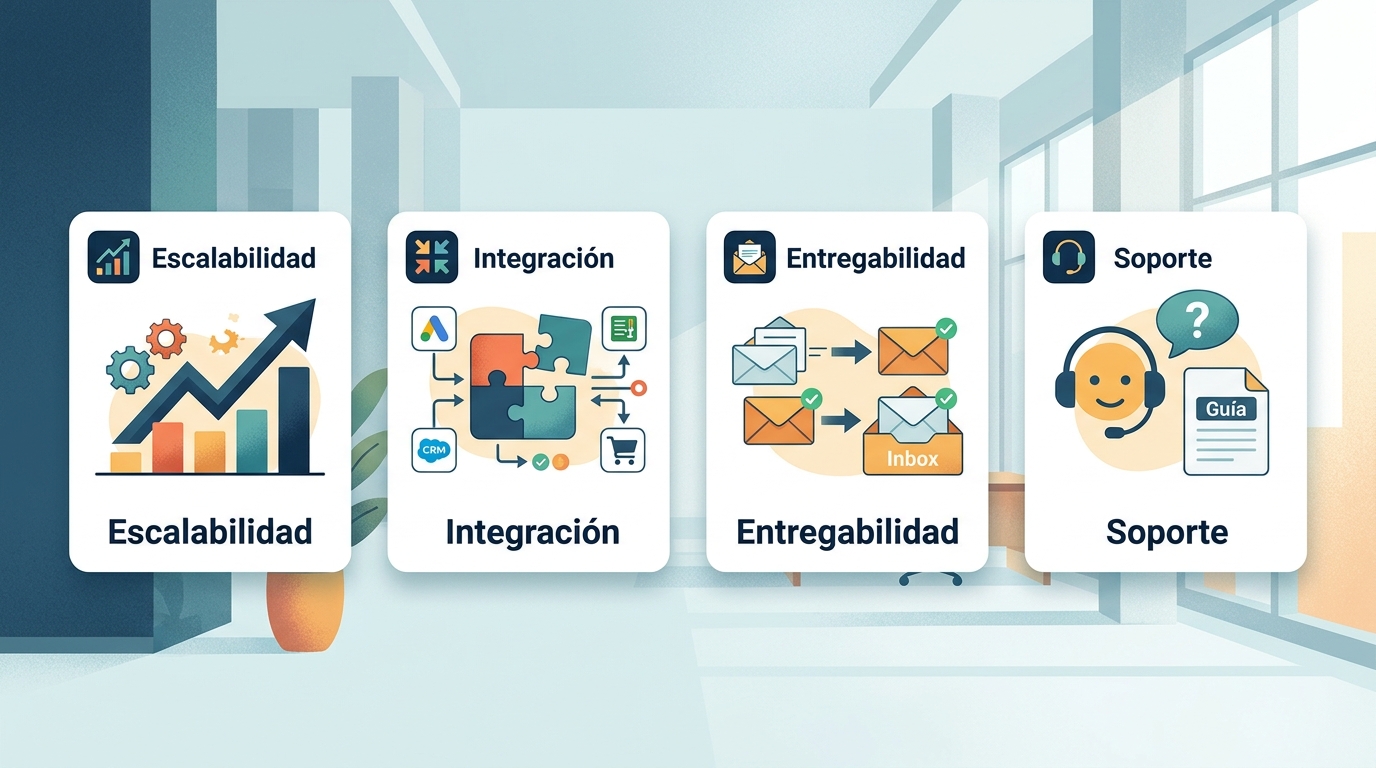
Choosing an email automation tool isn't a decision to be made solely by comparing price per contact or the number of available templates. The criteria that truly determine if a platform suits a business are more profound, relating to technical scalability, the team's learning curve, and integration capabilities with existing systems. In 2026, the automated email marketing tools market is fragmented between large global platforms (with prices increasing significantly based on contact volume) and more specialised alternatives offering greater control over deliverability and personalisation at more predictable costs. The key to making the right choice is to clarify three parameters before evaluating any tool: your current contact volume and projected growth rate, the complexity of the flows you need to build, and the technical proficiency of the team managing the platform.
Contact Volume and Pricing Scalability
Most email marketing platforms scale their pricing based on the number of contacts or the volume of emails sent per month.
It's wise to calculate the cost not just at the point of subscription, but also for the projected volume in twelve and twenty-four months.
Some tools have very aggressive price jumps once certain thresholds are exceeded, which can make the platform unprofitable as soon as your database grows.
Ease of Use for Non-Technical Teams
If your marketing team isn't technically proficient, the flow editor and email editor should be intuitive, requiring no knowledge of HTML or programming logic.
A powerful platform that demands extensive training for basic tasks creates reliance on the provider or technical team and slows down campaign execution.
Deliverability and Sending Infrastructure
Email deliverability — the ability for messages to reach the inbox rather than the spam folder — largely depends on the platform's sending infrastructure. Reputable tools actively manage the reputation of their sending IPs, offer the option of using dedicated sending domains, and provide detailed bounce and complaint reports so users can act before their domain's reputation deteriorates.
Spanish Support and Documentation
For teams operating in Spain, Spanish language support and documentation in the team's native language significantly reduce implementation time and configuration error rates.
This criterion is often underestimated, leading to significant friction when the first technical issue arises in production.
Available Integrations
Native integrations with your existing systems (CRM, e-commerce platform, web analytics tool, event management system) determine the depth of personalisation you can achieve.
API integrations are more flexible but require development; native integrations or those via connectors like Zapier are more accessible for teams without technical resources.
Boomatik Boomatik brings together contact management, multichannel automation flows, the email editor, and the analytics dashboard all in one platform. For teams looking to centralise their marketing communications without managing multiple disconnected tools, this centralisation reduces operational costs and eliminates data synchronisation issues between different systems.
Frequently Asked Questions
What's the difference between email marketing and automated email marketing?
Traditional email marketing involves sending a message to an entire list or a segment at a specific time determined by the marketing team.
Automated email marketing sends individual messages triggered by each contact's specific behaviour, without manual intervention for each send.
How many contacts do I need to start using email automation?
There's no minimum number of contacts to get started. Even with small lists of one or two hundred contacts, automation adds value by ensuring every new subscriber receives the correct welcome sequence at the right time, without the team having to do it manually.
How long does it take to set up a basic automation flow?
A welcome flow with three or four emails can be set up on an intuitive platform in two or three hours, including writing the copy and configuring the trigger. More complex flows with branching and multiple conditions may require several days of work.
Does email automation affect deliverability?
When configured correctly, automation improves deliverability because messages are more relevant to each contact and generate more engagement, which enhances the domain's reputation with mailbox providers. Poorly configured, with irrelevant messages or excessive frequency, it can worsen it.
Can I combine automated email with SMS or other channels?
Yes. Multichannel automation platforms, such as Boomatik, allow you to design flows that combine emails, SMS, and other channels based on contact behaviour, choosing the most appropriate channel for each moment in the communication cycle.
How does GDPR affect automated email marketing campaigns in Spain?
The General Data Protection Regulation (GDPR) requires contacts to have given explicit consent to receive commercial communications, and for that consent to be recorded.
Email marketing platforms must include automated unsubscribe management and ensure that contact data is stored in accordance with current regulations.
