In summary: Google Maps is now one of the biggest search engines for local businesses. When someone searches for what you offer near their location, appearing on the map — and doing so in the top positions — can make or break many sales. In this guide, you'll discover how to get your business on Maps, what factors influence your ranking, the mistakes that leave you invisible, and how to keep it up-to-date without dedicating hours or hiring an agency.
What Google Maps for Business Is
Google Maps is Google's mapping application, but for a local SME, it's much more than that: it's a search engine. Every day, millions of people type 'cafe near me', 'car repair shop open now', or 'dentist in my area' into Maps and choose who to call or where to go based on what they see on screen. If your business isn't there, it simply doesn't exist for that person.
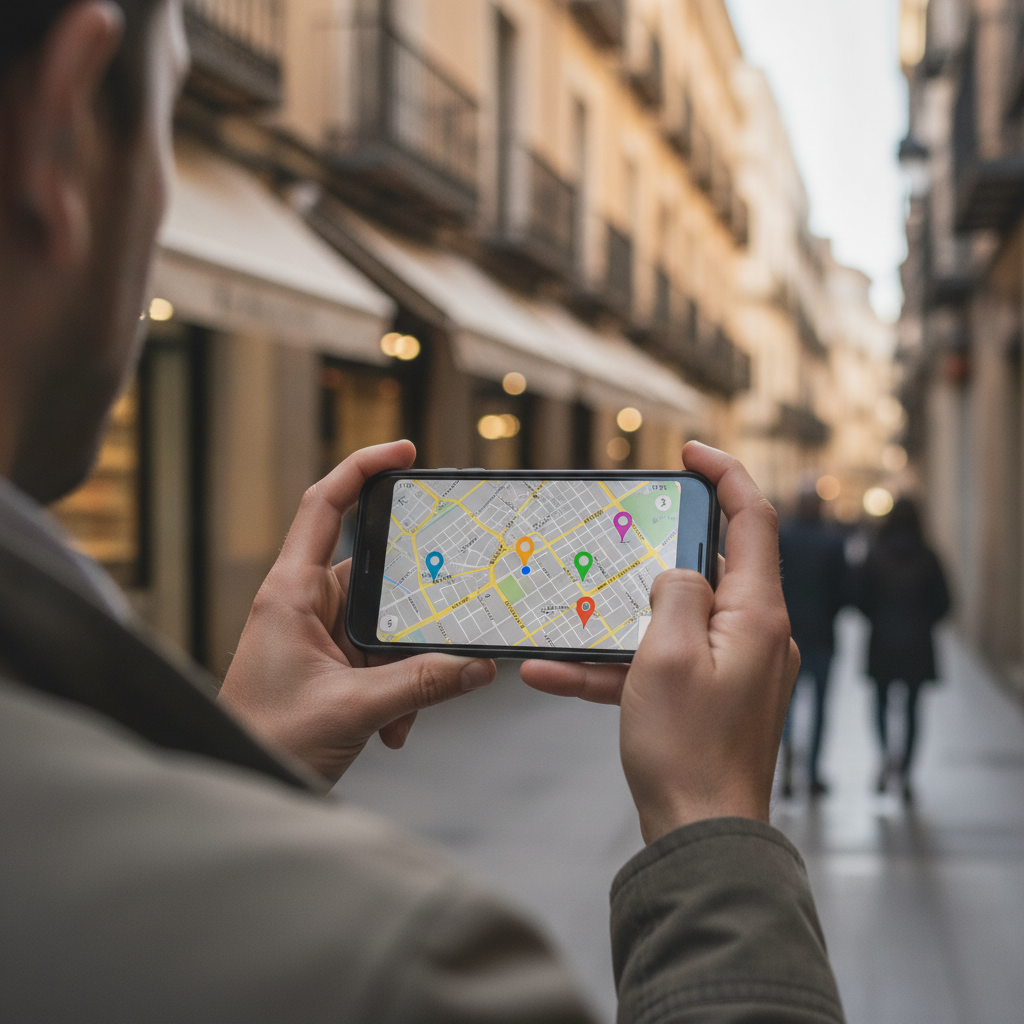
The information Maps displays about your business — the name, the pin on the map, opening hours, reviews, photos, and call or get directions buttons — comes from your Google Business Profile, the free listing Google maintains for every business. Maps and Search share the same data, so working on your presence on the map and in search results is, in practice, the same effort.
For a shop, restaurant, clinic, workshop, or any business serving customers in a specific area, Google Maps is probably the channel with the best effort-to-result ratio. It costs nothing to be there, and most of your competitors aren't making the most of it, which leaves you plenty of room to stand out.
How Google Decides Who Appears on the Map
When someone performs a local search, Google orders the businesses on the map by combining three main criteria. Understanding them helps you know where to focus your efforts.
- Relevance. How well your business matches what the person is searching for. This includes the category you've chosen, the services you list, and the information in your listing. A complete and accurate listing is more relevant than a half-finished one.
- Distance. How close you are to the person searching or the area they've indicated. You can't change your physical location, but you can accurately define your address or, if you're mobile, the service areas you cover.
- Prominence. How well-known and highly-rated your business is. This includes reviews — quantity and rating — mentions on the web, links, and generally all signals that you are an active and trustworthy business.
The practical key is this: you can't control distance, but you can control relevance and prominence, and these are what explain why a slightly more distant business sometimes appears above a closer one. That's where the game is won or lost.
The Local Pack: Why the Top Three Matter
You'll have noticed that when you search for something local on Google, a map with three featured businesses appears at the very top. This is known as the 'local pack', and it's the most valuable showcase for local search: it captures most of the clicks and calls.
Being among those top three significantly multiplies your contacts compared to ranking lower, where few people reach. That's why the goal isn't just to 'appear on Maps', but to climb into that featured block for the searches that truly matter to you. And there, simply existing isn't enough: you need to constantly work on your listing, because your competitors are also vying for that spot.
This mechanism is very similar to search engine ranking, only applied to the map and customers in your immediate vicinity. If you want to understand the complete logic of positioning your business on Google, we elaborate on it in our guide on AI-powered SEO positioning.
How to Get Your Business to Appear on Google Maps
To appear on Maps, you need a verified business profile. Here are the essential steps:
- Create or claim your listing. Log in to Google with a business email account, not your personal one, and search for your business. If Google has already created a basic listing from public data, claim it; if not, create a new one.
- Use your business's real name. Write it exactly as it appears on your signage. Do not add the city or keywords to the name: this violates Google's guidelines and can lead to your listing being suspended, effectively removing you from the map.
- Choose your category precisely. 'Italian restaurant' works better than simply 'restaurant'. The category determines which map searches you appear in, making it one of the most important decisions.
- Mark your location or service area. If you operate from a physical premises, enter the exact address so the pin drops in the correct spot. If you travel to customers — locksmiths, electricians, home services — define the areas you cover instead of a fixed address.
- Verify your listing. Google will verify that the business exists and that you can manage it, usually via a postal letter with a code, phone, email, or a video of the premises. Until you pass verification, your presence on the map will be limited.
You can consult the verification methods and their requirements in the Google Business Profile Help Centre.
Factors That Boost Your Ranking on Maps
Once you're on the map, the real work is to climb the rankings. These are the levers that move the needle the most:
Reviews. These are the number one prominence factor on Maps. Naturally ask your satisfied customers for reviews and respond to all of them, good and bad. A polite response to criticism conveys professionalism to anyone reading it later. Never buy fake reviews: Google detects and penalises them.
Real photos. Listings with images receive many more contacts. Upload photos of your premises, team, products, and before-and-after shots of your work. On Maps, where people decide at a glance, images generate immediate trust. Avoid generic stock photos.
Complete and consistent data. Name, address, phone number, and opening hours must be identical across your listing, website, and any directories. Inconsistencies confuse Google and reduce your ranking. And real opening hours, with updated holidays and closures, prevent a customer from arriving and finding you shut.

Consistent activity. Posting news, offers, and events on your profile tells Google that your business is active. An active profile climbs; an abandoned one falls behind competitors who do work on theirs.
Secondary categories and services. In addition to your primary category, add any applicable secondary ones and list your services with brief descriptions. The more structured information you provide, the more map searches you'll appear in.
Mistakes That Leave You Invisible on the Map
These errors are common and, for the most part, easy to avoid:
- Including the city or keywords in your name. It's tempting for ranking, but it goes against the guidelines and can lead to your listing being suspended, making you disappear from the map.
- Outdated opening hours. A customer who arrives to find you closed won't return, and those bad experiences eventually reflect in negative reviews.
- Duplicate listings. If two profiles exist for the same business, they compete with each other, dilute reviews, and confuse Google. Claim and unify them.
- Not responding to reviews. Silence in the face of criticism carries more weight than the criticism itself and hinders your prominence.
- Incorrectly placed pin. If the location on the map doesn't match your premises, customers get lost, and Google distrusts your data.
- Abandonment. The biggest mistake of all: setting up the listing once and never touching it again. Maps rewards consistency.
The common thread running through almost all these failures is the same: a lack of continuous maintenance. And that's where most SMEs falter, not due to lack of knowledge, but lack of time.
Maintaining Your Maps Presence Without an Agency or Wasted Hours
The uncomfortable truth about Google Maps is that it's not about appearing once, but about keeping your profile alive every week: responding to reviews, uploading photos, posting updates, and checking that your data and opening hours are still correct. Doing it manually steals time from the manager, and delegating it to a local agency usually means paying a monthly fee for tasks that are, at their core, repetitive and perfectly systematizable.
This is where the traditional model falls short. An agency relies on people: it charges by the hour, responds during business hours, and its quality varies depending on who's in charge that month. The alternative we propose at Boomatik is different by design: we are not an agency; we are a platform of artificial intelligence agents. Instead of hiring someone to do the tasks, you activate an agent that executes them for you continuously, twenty-four hours a day, tirelessly, and for a fraction of the cost of external management.
That's exactly the job of BOO MyBusiness: to keep your presence on Google Maps and in Search automatically optimised. It responds to reviews in your tone, suggests and schedules posts, ensures data consistency, and alerts you to anything that requires your attention. You retain control and your brand's voice; the agent provides the consistency you lack the time to maintain. You can see it in detail on the BOO MyBusiness.
It's not 'a cheaper agency'. It's a change of model: a measurable result — more visibility on the map, more contacts from nearby customers, an always up-to-date profile — without relying on people or schedules. If that logic fits for all your marketing, and not just for Maps, we elaborate on it in our guide on agency-free marketing automation.
Get and respond to your Google reviews automatically with AI.
Discover it →Frequently Asked Questions
Is appearing on Google Maps with my business free?
Yes. Creating, verifying, and managing your business profile to appear on Google Maps is free of charge. Google doesn't charge to display your listing on the map or in Search. What it does require is time and consistency to keep it optimised and climb the rankings.
Why isn't my business appearing on Google Maps?
The most common reasons are that the listing isn't verified, there's incomplete or inconsistent data, a duplicate listing exists, or the category doesn't match what your customers are searching for. Check your verification and complete all information before anything else.
How do I improve my ranking on the map?
By working on relevance and prominence: well-defined categories and services, consistent data, genuine reviews with responses, updated photos, and regular posts. You can't control distance, but these factors explain why one business ranks above a closer one.
Do I need a website to appear on Google Maps?
It's not mandatory. You can have a complete presence on Maps without a website, and many local businesses receive most of their contacts this way. Even so, linking a website reinforces your prominence and provides more information to the customer.
Is it worth automating Maps management?
If you lack the time to respond to reviews, post, and check data every week, then yes. An AI agent like BOO MyBusiness keeps your presence on the map continuously active for a fraction of the cost of an agency, freeing you up to focus on your business.
