In summary: a CRM for small businesses is where you store all your contacts and sales to ensure no opportunity is missed. Chosen well, it stops being an expensive diary and becomes a system that captures, organises, and follows up autonomously. In this guide, you'll discover what to look for before subscribing, common mistakes, and why an AI-powered platform that works 24/7 delivers better results than hiring someone to manage it.
If you run a small business, this probably sounds familiar: a client asks for a quote, you promise to call them back, and two weeks later you find it scribbled in a phone note, unanswered. It's not neglect; it's juggling a thousand things at once. That gap through which sales slip away is exactly what a CRM aims to close. The problem is that most guides talk about CRMs as if you're a multinational with a sales team. Here, we're focusing on what a truly small business needs: to sell more without building an entire department to achieve it.
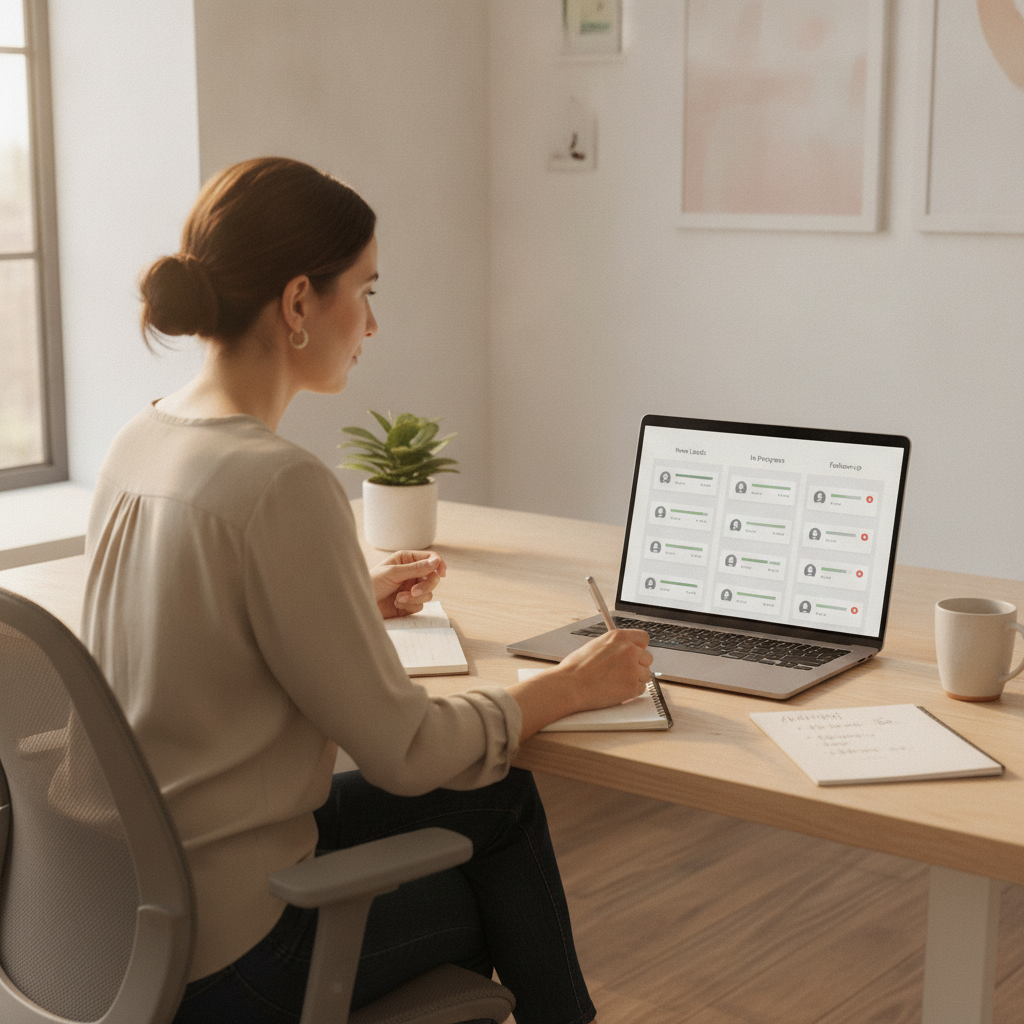
What a CRM for Small Businesses Really Is and What It's For
CRM stands for Customer Relationship Management. In plain English: it's where everything you know about every person who has contacted you lives. Their name, what they asked for, when you last spoke, what you sent them, whether they bought or are still considering it. Instead of having that information scattered across email, WhatsApp, a notebook, and your memory, you have it all in one organised place.
But a good CRM for a small business isn't just a filing cabinet. Its true value lies in what it does for you: reminding you who to call today, alerting you that a quote has been unanswered for five days, or sending follow-up emails without you having to remember. The difference between a contact list and a CRM is that the list stays still, and the CRM works. That's the part that changes the game for most small businesses.
Signs Your Small Business Already Needs One
Not every business needs a CRM from day one. But there are clear signs that the time has come. If you recognise yourself in several of these, you're leaving it too late:
- You lose quotes because you forget to follow up on time.
- You wouldn't be able to say how many potential clients you currently have pending closure.
- When someone on your team goes on holiday, they take their client information with them in their head.
- You repeat the same email or message over and over, manually.
- You only find out a client was unhappy after they've already gone to a competitor.
Each of these situations represents money quietly slipping away. A CRM doesn't eliminate them by magic, but it shines a light where there was once a black hole. And if that tool also acts autonomously, the hole closes without you having to constantly monitor it.
What to Look For Before Subscribing to a CRM
This is where many small businesses go wrong. They choose the CRM a large company uses, get overwhelmed by hundreds of features they'll never touch, and end up abandoning it after two months. To avoid that, consider these four things before deciding.
It Should Be Easy to Use from Day One
If you need a course to understand it, it's not for you. A CRM for a small business should let you log a contact and see your pending sales without needing a manual. The simpler it is, the more you'll use it. The best CRM in the world is useless if it ends up empty because no one has time to fill it in.
It Should Work Autonomously, Not Create More Work for You
This is the key, and hardly anyone mentions it. Many CRMs are just filing cabinets where you manually input data all day. A truly worthwhile one does the opposite: it captures the contact, organises it, drafts the follow-up, and alerts you. Fewer hours spent by you, more results delivered.
It Should Grow With You Without Needing to Change Tools
You start with contacts and sales, and over time you'll want email, automated reminders, or reports. Choose something that already includes these features so you don't have to migrate everything in a year's time. Changing systems is costly in terms of time and frustration.
It Should Comply with the Law from the Outset
You store personal data, so the General Data Protection Regulation applies to you. Ensure the tool allows you to manage consents and unsubscribes in an organised manner. The Spanish Data Protection Agency publishes free guides for small businesses that are worth reviewing.
How Much It Costs and How to Think About ROI
The perennial question is how much a CRM costs. The honest answer is that it depends on the model, but the right way to look at it isn't the price, but what you get back. Think of it this way: if your CRM helps you close just one quote a month that previously slipped through the net, it's already paid for itself with plenty of margin in most sectors.
What's important to be clear about is the underlying comparison. Hiring a person to handle your sales and follow-ups comes with a high fixed monthly cost, holidays, sick leave, and limited hours. An AI-powered platform handles the repetitive part of follow-ups at any time, doesn't get tired, doesn't forget, and costs a fraction of a salary. It's not about replacing people in what they truly contribute – personal touch and judgment – but about taking the mechanical work that eats up their day off their plate. That's the mindset shift that separates growing small businesses from those constantly putting out fires.

AI-powered CRM vs. Traditional CRM
A traditional CRM is a database with reminders. Useful, but passive: it waits for you to do the work. An AI-powered CRM makes the leap from storing information to acting on it. And that difference is what now separates a small business that seizes its opportunities from one that merely stores them without acting.
With AI, when a new contact comes in, the tool classifies them by interest, decides who to prioritise, drafts a tailored follow-up message for each case, and learns from who responds and who buys to refine its approach next time. You stop being the person pushing the system and start supervising it. It's like having a sales assistant who never rests, doesn't draw a salary, and gets better with each passing week.
That's the logic behind the AI agents for SMEsai agents for small business in Spain: instead of giving you another tool to fill, they give you a system that does the work. If you're used to trying to set up your lead generation with spreadsheets, the leap is noticeable from the first week, just as it is with.
marketing automation for small business
How BOO Leads Solves It BOO Leads Boomatik isn't an agency or a consultant that charges you by the hour. It's a platform of AI applications and agents that you subscribe to and use yourself, without intermediaries. Within that platform, BOO Leads is the agent that manages your contacts and sales like a CRM would, but with the work part handled by AI.
In practice, BOO Leads captures contacts that come into your business, organises them by genuine interest, drafts and sends follow-ups at the right time, and tells you who to prioritise. All of this works continuously, without you having to remember and without relying on someone being available. You log in when you want, see the status of each opportunity, and decide. The system handles the rest.
The advantage isn't just convenience. It's that you stop losing sales due to oversight and reclaim hours you currently spend on tasks a machine does better. And because it's an app subscription, not a bespoke service, you know what you're paying and have it under control from day one. This approach directly connects with how Boomatik understands email marketing for SMEsmarketing automation for small business: fewer hands-on hours, more measurable results.
Acquire and manage your customers with AI, without relying on anyone.
Discover it →Frequently Asked Questions
What exactly is a CRM for small businesses?
It's a tool where you neatly store all your contacts, quotes, and sales, so you don't miss any opportunities. For a small business, the important thing is that it also handles follow-ups for you, instead of being a simple diary you have to fill in manually.
Is my business too small to need a CRM?
Almost never. If you have clients asking for quotes and sometimes forget to follow up, it already pays for itself. A CRM organises that part of your business from the first contact, and the sooner you implement it, the fewer sales you'll lose along the way.
How long does it take to start using it?
A good CRM for a small business can be used on the same day, without courses or lengthy setups. When it also incorporates AI, much of the work of organising contacts and preparing follow-ups is done by the tool, so you get started almost immediately.
Does an AI-powered CRM replace my sales rep?
It doesn't replace the personal touch or judgment of a person, which is what truly closes sales. What it does is take the repetitive work of follow-ups and classification off their plate, so they can dedicate their time to what adds value. It's support, not replacement.
What does BOO Leads do that a normal CRM doesn't?
A normal CRM stores information and waits for you. BOO Leads captures contacts, organises them by interest, drafts follow-ups, and sends them at the opportune moment continuously, without relying on you to remember. It transforms the CRM into a system that works autonomously, 24/7.
