In summary: Automated customer service is a system that responds to your customers' queries instantly, at any time, and via their preferred channel, without an employee needing to be present. With artificial intelligence, it understands naturally written questions and resolves the repetitive part of day-to-day operations. For an SME, it means always being available, without expanding the team or paying for standby shifts, at a fraction of the cost and with measurable results.
What is automated customer service?
Automated customer service is a set of assistants that autonomously manage queries coming into your business: answering questions, checking order status, collecting contact details, or opening an incident, without a person needing to intervene at each step. It appears where your customers already write to you — your website's chat window, WhatsApp, Instagram, or your Google listing — and replies in seconds.
The difference from traditional automations — the 'press 1 for sales, press 2 for incidents' menus — is that today these systems understand natural language. The customer types 'what I received yesterday is broken,' and the assistant understands the intent, searches for relevant information, and offers a solution or escalates the case to a person. No one needs to guess the exact word or navigate endless option trees.
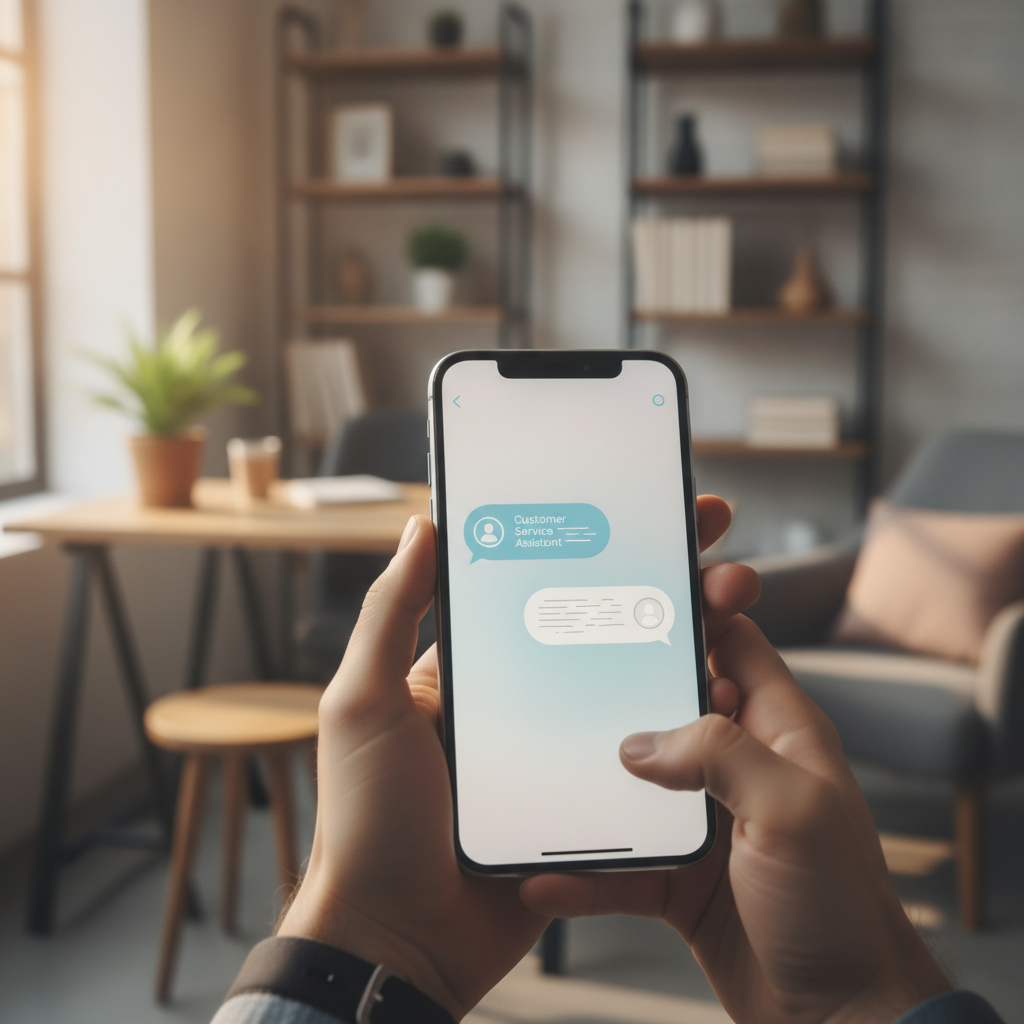
For an SME manager, the key idea is simple: automating service doesn't mean dehumanising it, but rather covering the predictable and repetitive part — which is usually the majority of the volume — so your team can dedicate their time to cases that truly require human judgment.
Why an SME needs it in 2026
Customer behaviour has changed. People message businesses at any time, expect a quick response, and if they don't get one promptly, they'll go to a competitor. An SME with a small team can't monitor chat, email, and social media simultaneously, especially not at night or on weekends, which is precisely when many customers have time to write.
That gap between what the customer expects and what a reduced workforce can deliver has a real cost: unanswered queries, cooling leads, negative reviews for 'they didn't reply to me,' and lost sales outside of business hours. Automated service closes that gap without forcing you to hire more staff or be glued to your phone yourself.
There's another underlying reason: the most routine part of customer service consumes an enormous amount of your team's time. Answering for the umpteenth time what time you close, if you deliver to a certain area, or where an order is, adds no value and is draining. Automating precisely that frees up hours that can be dedicated to selling and looking after customers who need human interaction.
What it truly solves
It's important to be realistic: automation doesn't replace your entire customer service, but it does absorb most of the daily volume. These are the situations where it adds value from day one.
- Repeated questions. Hours, location, payment methods, return policy, or whether you deliver to a specific area. These are queries answered dozens of times a week, which the assistant covers effortlessly.
- Order and appointment status. Connected to your system, it checks an order's location or confirms a booking without anyone lifting a finger.
- Lead capture. When someone asks for a quote outside of business hours, it collects their details and needs so your team can call the next day with all the information. This links directly to lead generation.
- First-line issue filtering. It gathers basic problem details and classifies urgency before passing the case to a person, who then arrives with the context already established.
- Smart handover. When a query is beyond its scope, it alerts and transfers the conversation to a human without the customer having to repeat everything.
The practical rule is clear: the more predictable and repetitive a query, the better automation resolves it; the more exceptional or delicate, the more it benefits from a person handling it with the groundwork already prepared. This logic of dividing work between machine and team is the same we apply to all SME automation.
Why it's better than expanding your team
When an SME is overwhelmed with queries, the instinctive reaction is to hire more staff or outsource the service to an external agency. This is a valid route, but it's expensive and limited: one person serves one customer at a time, works set hours, and takes weekends, holidays, and annual leave. To cover nights or peak times, you have to pay for overtime or expand your workforce, and the cost increases every month.
Here's an important nuance about Boomatik's approach: we are not an agency, we are an AI agent platform. The difference isn't price, it's the model. An agency sells you human hours; a platform gives you assistants that work twenty-four hours a day, every day of the year, and serve dozens of customers simultaneously without quality dropping when a flood of queries arrives. They don't get tired, don't make mistakes due to haste at three in the morning, and don't leave for another company taking business knowledge with them.
The profitability comparison is qualitatively compelling: where an agency or an employee represents a recurring fixed cost that increases with volume, an automated system has a cost that is a fraction and barely varies whether it handles ten queries or a thousand. And because it's a platform you manage yourself, you don't depend on a third party finding a slot in their schedule to assist you.
Furthermore, the result is measurable. You can see how many queries the assistant resolves alone, how many it escalates to a person, and how much of your team's time it frees up each week. That transparency is precisely what's missing when you delegate customer service to an external provider that bills hours without you fully knowing what was resolved.

How to implement it step-by-step
Automating customer service doesn't require an IT department. With an organised approach, an SME can have it up and running in a short time. Here are the steps.
- Identify your top questions. Review this with whoever currently answers the phone or emails: there are surely ten or fifteen queries that repeat constantly. Those are the ones the assistant should master first.
- Gather your information. Opening hours, catalogue, reference prices, shipping conditions, return policy. The clearer and more complete this foundation, the better the responses will be.
- Choose your primary channel. Decide where your customers contact you most: your website, WhatsApp, Instagram, or your Google Business Profile. Start there and add other channels later.
- Define when a human intervenes. Set the boundaries: serious complaints, complex sales, or upset customers should be passed to a person with a clear alert.
- Test with real-life scenarios. Before going live, throw the actual questions you receive at it and correct any weak responses. Half an hour of testing avoids many misunderstandings.
- Measure and adjust. Once it's live, review what it couldn't answer and add that information. Automated customer service improves every week if you pay it a little attention.
If you also manage reviews and your listing's reputation, it's worth coordinating customer service with that aspect; we elaborate on this in the guide to Google Business reviews with AI,. And for the general framework of your local presence, the official reference is the Google Business Profile help centre.
Mistakes to avoid
Most bad experiences with automated customer service don't come from the technology itself, but from how it's implemented. Here are the most common pitfalls and how to avoid them.
- Hiding the human handover. A system that traps the customer in a dead-end loop generates rejection. It must always offer a clear path to speak with a person.
- Expecting it to know everything. It's better for it to master ten topics well than to respond poorly to fifty. Start small and expand.
- Forgetting about it after installation. An assistant that no one reviews becomes outdated. It needs periodic reviews with new business information.
- A tone that isn't yours. If your business is friendly and the assistant sounds like a technical manual, it grates. It must speak with your brand's voice.
- Not measuring anything. Without data on what it resolves and what it fails at, it's impossible to improve it. Measurement is what turns mediocre automation into something that truly saves time.
By avoiding these mistakes, the customer experience improves rather than worsens, which is ultimately the goal: that anyone who contacts your business leaves with their query resolved and a positive feeling.
Get and respond to your Google reviews automatically with AI.
Discover it →Frequently Asked Questions
Does automated customer service replace my team?
No. It absorbs repetitive and predictable queries, which make up the majority of the volume, and frees up your team for cases that require human judgment: complex sales, complaints, or customers who need personal interaction. The goal is to place people where they add the most value, not to eliminate them.
Do I need technical knowledge to set it up?
No. Current platforms are designed for the manager to configure the assistant without programming. It's enough to gather the usual business information (hours, catalogue, conditions) and define when a person should intervene. The technical part is handled behind the scenes.
Which channels can it serve?
On the channels your customers use: your website, WhatsApp, Instagram, Facebook, or your Google listing. It's advisable to start with the channel where you receive the most messages and add the others once the first one is working well.
How long does it take to become operational?
It depends on the scope, but automated customer service focused on FAQs can be operational in a matter of days. The important thing isn't to launch it perfectly, but to get it running with the essentials and improve it each week with what it learns from real conversations.
Is it cheaper than hiring or outsourcing customer service?
Qualitatively, yes. An employee or an agency represents a fixed cost that increases with volume, whereas an automated system has a cost that is a fraction and barely varies whether it handles ten queries or a thousand. Plus, it works 24/7 without standby shifts or holidays, and the result is measurable.
Does it understand Spanish and my business's tone well?
Yes. AI-powered assistants understand natural language, including colloquialisms and typos, and can be adjusted to respond with your brand's voice, whether more friendly or more formal depending on your audience.
Serve your customers 24/7 without expanding your team
BOO MyBusiness puts a customer service assistant to work for your SME from day one, for a fraction of the cost of hiring. It's not an agency: it's an AI agent platform that you manage.
DISCOVER BOO MYBUSINESS